GIMP: What Is GIMP?
GIMP, short for GNU Image Manipulation Program, is a free and open‑source raster graphics editor used for photo retouching, image editing, and image composition. It runs on multiple platforms including Windows, macOS, and Linux, making it accessible to hobbyists and professionals around the world. As a community‑driven project, GIMP offers professional‑level features without subscription fees, positioning itself as a serious alternative to commercial tools like Adobe Photoshop.gimp+5
Designed for photographers, graphic designers, illustrators, and digital artists, GIMP supports everything from quick image fixes to complex, multilayer compositions. Because it is open source, users can customize the interface, extend its capabilities with plugins, and even modify the source code if they need highly specific workflows.theknowledgeacademy+4
Key Features of GIMP
GIMP contains a rich set of tools that cover most image editing scenarios you might encounter.gimp+3
-
Layer‑based editing lets you stack, blend, and mask elements for non‑destructive workflows, ideal for composites, double exposures, or complex graphic layouts.polimetro+2
-
A full selection toolkit (rectangle, ellipse, freehand lasso, fuzzy select, foreground select, and more) makes it possible to isolate and adjust specific areas with precision.gimp+1
-
Brushes, patterns, and gradients give you control over painting, texturing, and color transitions, whether you are retouching portraits or creating digital art from scratch.theknowledgeacademy+1
-
Photo enhancement tools such as the clone tool, healing brush, dodge and burn, blur and sharpen, and advanced filters help correct imperfections and refine image quality.wikipedia+3
-
Text tools and vector paths make it easy to design logos, posters, and web graphics that combine typography with illustration.gimp+2
On top of the core features, GIMP supports extensions and third‑party plugins, allowing you to add special effects, automate repetitive tasks, or integrate external filters like G’Mic for advanced processing.the-gimp.softonic+2
What Can You Do With GIMP?
Because it is so flexible, GIMP adapts to many creative and professional use cases.polimetro+2
-
Photo retouching and restoration: remove blemishes, dust, and scratches, correct color and exposure, and repair old scans so your images look clean and balanced.ituonline+3
-
Graphic and logo design: create icons, social media graphics, banners, and branding elements using shapes, text, and layers.the-gimp.softonic+2
-
Digital painting and illustration: use custom brushes, pressure‑sensitive tablets, and layers to sketch, ink, and color original artwork.wikipedia+2
-
Web and SEO‑ready images: resize, compress, and export images in formats like JPEG, PNG, WebP, and GIF so pages load faster and perform better in search engines.theknowledgeacademy+2
-
Batch processing and automation: apply repetitive actions (like resizing or watermarking) to entire folders of images using built‑in functions or scripts.gimp+1
For example, a travel blogger can use GIMP to adjust exposure and color in sunset photos, remove distractions from landscapes, add branded text overlays, and export lightweight WebP versions for faster site speed.getapp+2
Why Choose GIMP Over Other Editors?
GIMP’s biggest advantage is that it offers high‑quality image editing without licensing costs. You can install it on as many machines as you like and keep it up to date without worrying about subscriptions or account limits.gimp+4
Other benefits include:
-
Cross‑platform availability, so you can switch between Linux, macOS, and Windows while keeping a consistent workflow.gimp+2
-
A customizable interface that lets you rearrange panels, save layouts, and focus on the tools you use most.ituonline+1
-
Support for many file formats, from JPEG and PNG to RAW and PSD, helping you integrate GIMP into existing photo and design pipelines.getapp+3
-
An active community that produces tutorials, plugins, and documentation, making it easier to learn and troubleshoot.gimp+3
There is a learning curve, especially if you are new to image editors, but extensive online guides and community forums help users progress from basic edits to more advanced projects.gimp+2
Getting Started With GIMP
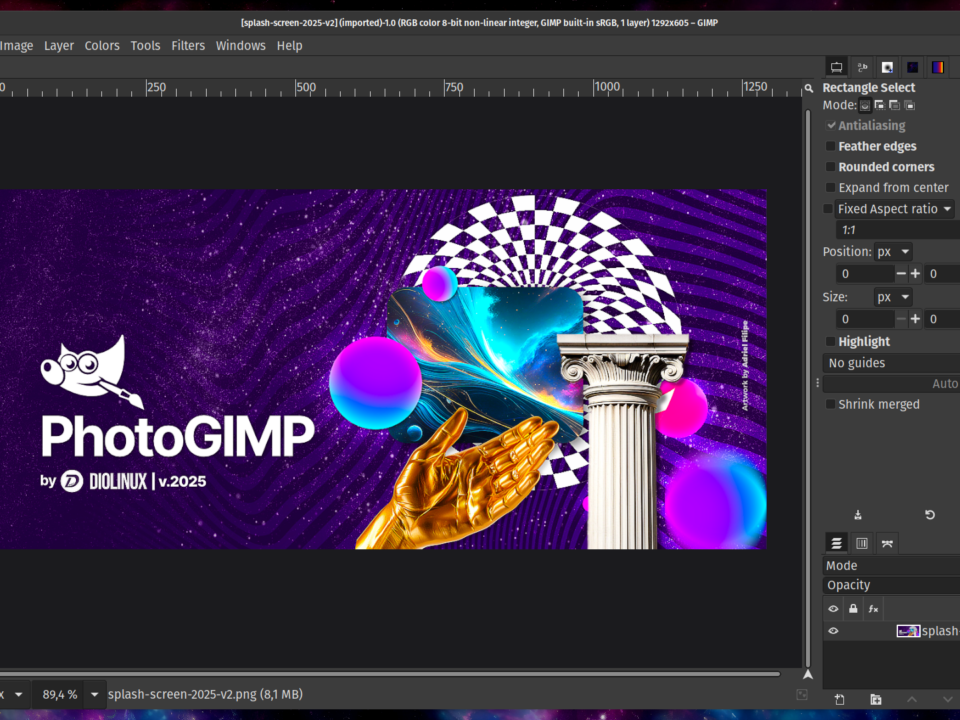
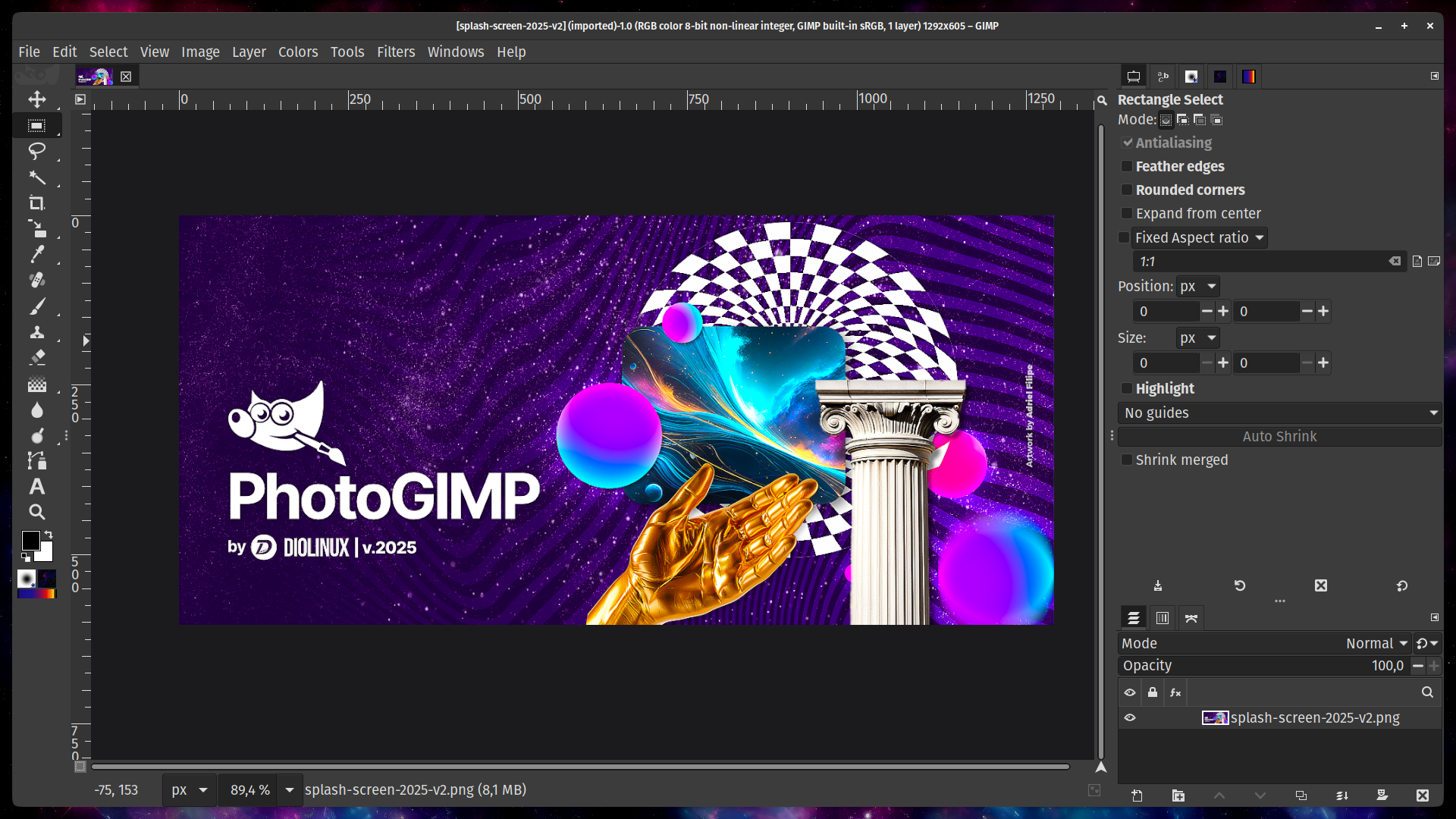
To start using GIMP, you download the installer for your operating system from the official website and follow the setup instructions. When you launch the program, you will see a main canvas area surrounded by panels for tools, layers, and options.the-gimp.softonic+2
A simple beginner workflow typically looks like this:
-
Open an image file in JPEG, PNG, or another supported format.wikipedia+2
-
Use the crop and scale tools to frame and size the image appropriately for web or print.gimp+1
-
Adjust brightness, contrast, and color balance to correct exposure and color temperature.ituonline+2
-
Apply localized retouching with the clone and healing tools to remove distractions or blemishes.wikipedia+2
-
Add text or a watermark on a new layer for branding or copyright protection.polimetro+1
-
Export the final image in an optimized format (for example, compressed JPEG for photos or PNG/WebP for graphics) to balance quality and file size.theknowledgeacademy+2
As your skills grow, you can explore more advanced techniques like layer masks, complex selections, and scripted automation to speed up your workflow.zdnet+2
Reference Links:
Here are the main reference links used:
-
Official GIMP website: https://www.gimp.org[gimp]
-
About GIMP (official): https://www.gimp.org/about/[gimp]
-
GIMP – Wikipedia: https://en.wikipedia.org/wiki/GIMP[en.wikipedia]
-
GIMP Documentation – Introduction: https://docs.gimp.org/3.0/en/introduction.html[docs.gimp]
-
GIMP Documentation – Tools: https://docs.gimp.org/3.0/en/gimp-tools.html[docs.gimp]
-
Community Tutorials (GIMP): https://www.gimp.org/tutorials/[gimp]
-
GIMP – Download page (Softonic overview): https://the-gimp.en.softonic.com[the-gimp.en.softonic]
-
What is GIMP? (The Knowledge Academy): https://www.theknowledgeacademy.com/blog/what-is-gimp/[theknowledgeacademy]
-
What Is GIMP (ITU Online): https://www.ituonline.com/tech-definitions/what-is-gimp-gnu-image-manipulation-program/[ituonline]
-
What is GIMP and how to use this free image editor? (Polimetro): https://www.polimetro.com/en/what-is-gimp/[polimetro]
-
GIMP Pricing, Features, and Reviews (GetApp overview): https://www.getapp.com/website-ecommerce-software/a/gimp/[getapp]
-
5 powerful GIMP features I use nearly every day (ZDNet): https://www.zdnet.com/article/5-powerful-gimp-features-i-use-nearly-every-day-for-easy-free-photo-editing/[zdnet]
Would you like me to adapt the GIMP article to a specific target audience, such as photographers, web designers, or complete beginners?